

Staking and validators
How staking works
Section titled “How staking works”On Bittensor, buying a subnet’s alpha stakes it. Your alpha is held on a validator’s hotkey and belongs to your coldkey. Its staking rewards are added to the same position, as more alpha: there is nothing to claim on a subnet.
- To stake on a subnet, swap TAO for its alpha. To unstake, swap the alpha back to TAO. See Your first swap.
- To stake on root, swap TAO for Staked TAO. Root converts one for one, with no pool fee and no price impact. Root rewards are claimed separately, see below.
Each operation needs at least 0.002 τ.
The default validator
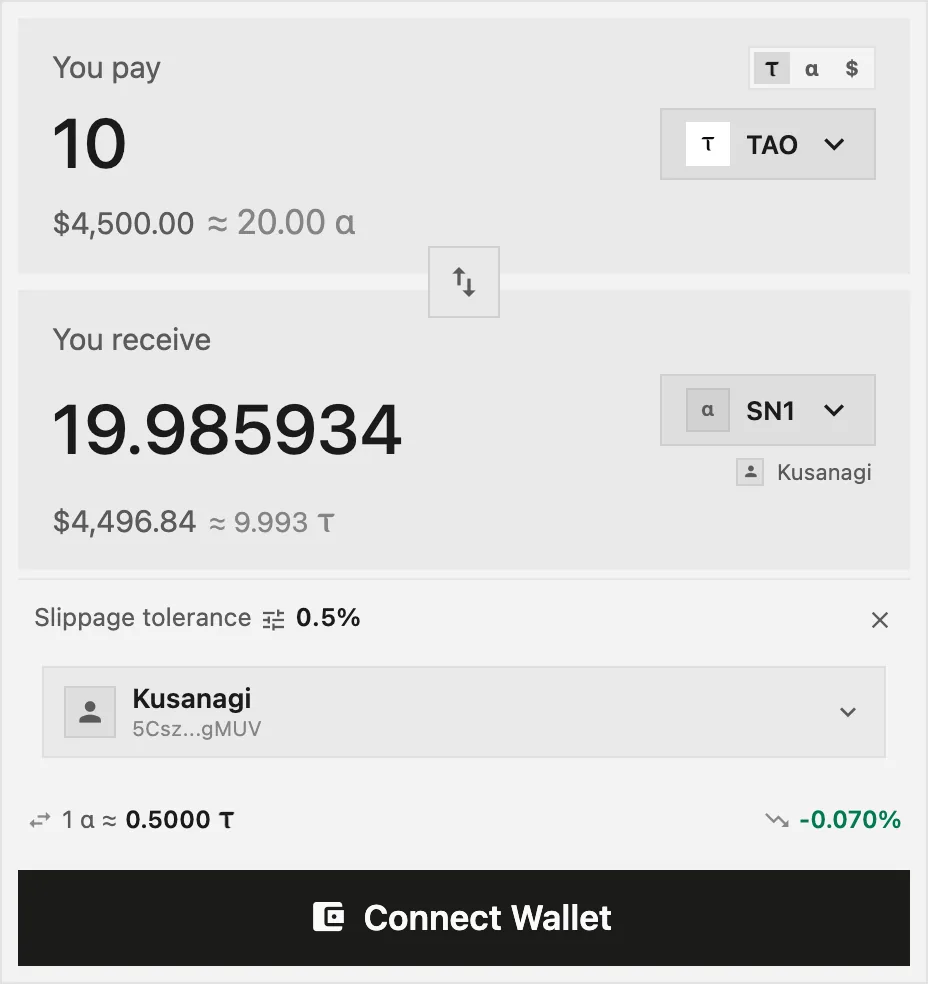
Section titled “The default validator”By default, Taoswap stakes with Kusanagi, the validator run by Kusanagi Ventures, the company that operates Taoswap. Its commission, its take, shows on Kusanagi’s validator page, like any validator’s.
For a buy, the form picks:
- the validator of the page, when you buy from a validator’s page;
- otherwise Kusanagi, if you already hold that subnet with Kusanagi;
- otherwise your largest position on that subnet worth at least $1;
- otherwise Kusanagi.
A sale draws from your largest position on the subnet, unless you pick another one in the token list. A limit buy always stakes with Kusanagi.
Choose another validator
Section titled “Choose another validator”-
On the swap form, open Validator settings, then press the validator shown. On Spot’s Market form, press Stakes with. Either way, Select a validator opens.
-
Search by name or hotkey, or browse Pinned, Our validator and All validators.
-
Compare the yield on each row: APY 30D when you stake on a subnet, APR 30D on root.
-
To use a validator that is not listed, choose Custom hotkey and paste its hotkey. The app checks that it is registered on the chain.
-
Pick the validator, then make your swap as usual.
The list hides validators whose stake would earn nothing where you stake: without a validator permit or child hotkey on that subnet, or without a seat on root. Show validators with no yield lists them too.
To compare validators in depth, open Validators in the Explore menu.
Move your stake
Section titled “Move your stake”- To another validator on the same subnet: put your staked position on the You pay side, open the token list on the other side and choose Switch Validator. It is a one for one transfer, with no price impact, and the button reads Move Stake.
- To another subnet: swap one alpha for the other. The pool fee is charged once, on the subnet you sell.
Claim root rewards
Section titled “Claim root rewards”Rewards from root stake build up in a fund for each validator, called a basket. To collect them:
-
Open Portfolio and press Claim your staking rewards in the left panel.
-
The Root Staking dialog lists one row per validator you stake root with, with its Share of basket, APY, Claimable, Claim fee and Worth claiming.
-
Press Claim on a row, or Claim all. Each validator is a separate transaction, signed in turn.
A claim adds the rewards to your Staked TAO. It pays out no free TAO. The claim fee is taken from your free TAO and can exceed a small reward. Under the chain’s claim minimum, a claim would take nothing and still pay its fee, so the button is disabled.
Your Total Balance in the portfolio already includes the rewards you can claim, except in the combined view of several addresses.
Conviction locks
Section titled “Conviction locks”A subnet’s Conviction tab lets you lock alpha toward a hotkey, to back it for the ownership of the subnet. Locked alpha cannot be swapped or unstaked.
- Perpetual: the lock never decays, and the alpha can never be unstaked.
- Decaying: the lock fades over time, then the alpha becomes unstakable again.