

Your first swap
This guide buys a subnet’s alpha with TAO. Selling alpha, or swapping one subnet’s alpha for another’s, follows the same steps.
Before you start, connect a wallet that holds some free TAO. Network fees come out of your free TAO, so keep a little of it: MAX leaves 0.1 τ in your wallet by default.
Make the swap
Section titled “Make the swap”-
Open the swap form on the home page, or on a subnet’s page, where it is already set to buy that subnet.
-
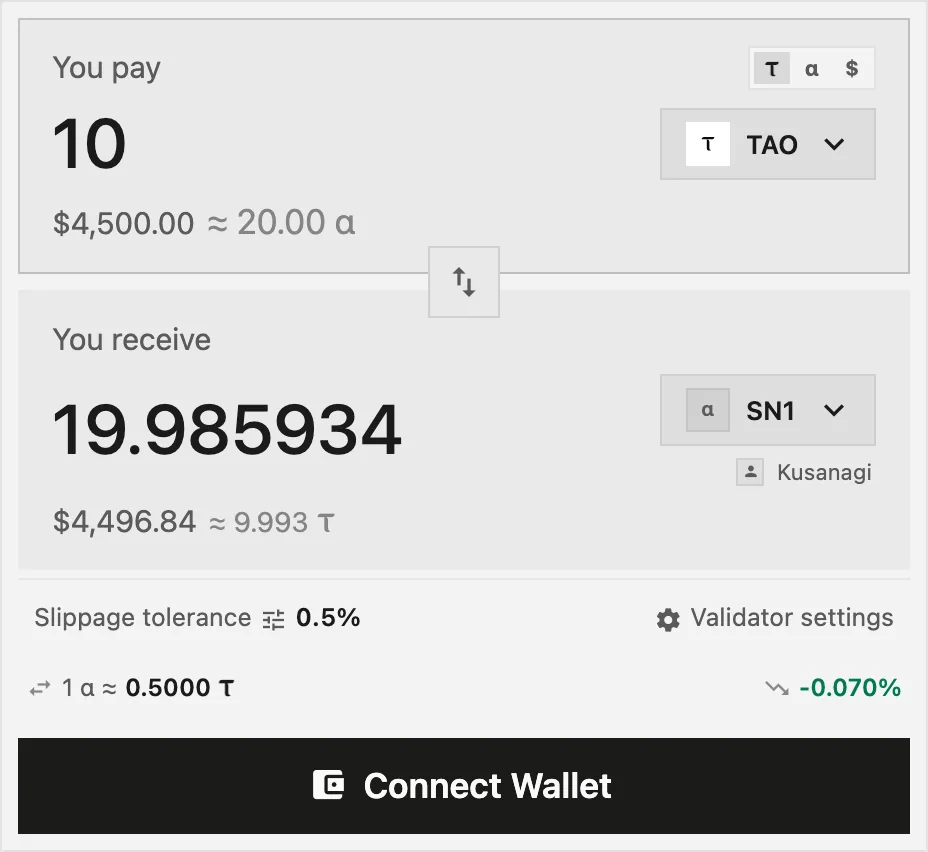
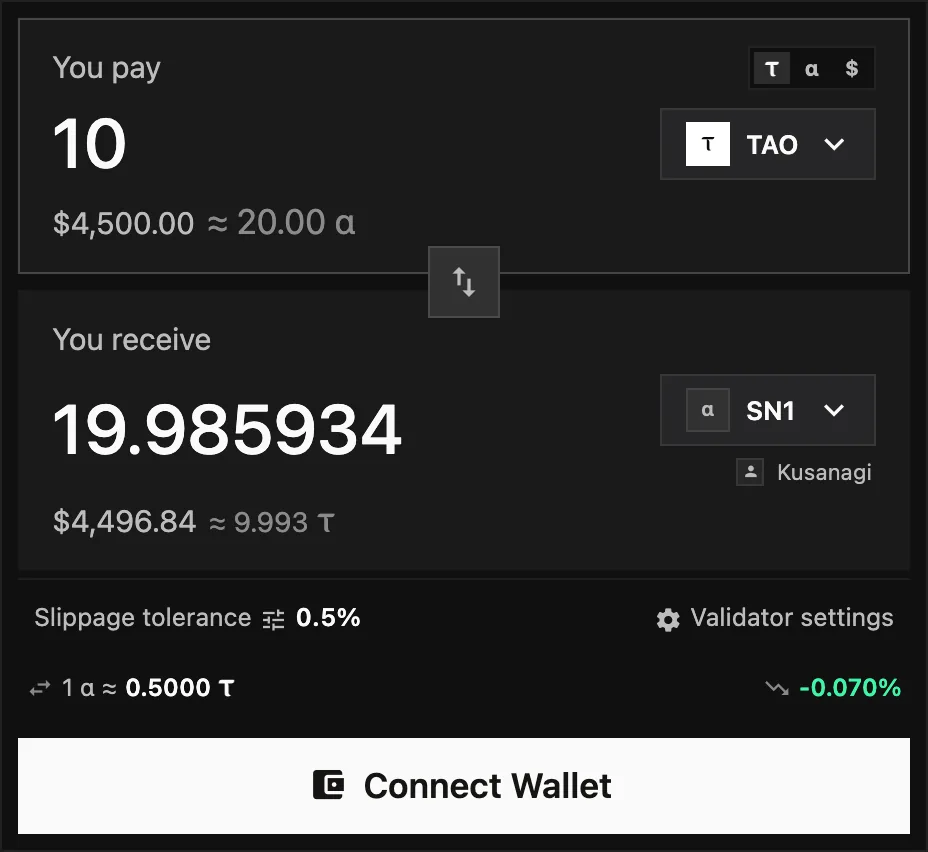
Under You pay, keep TAO. The form starts on your free TAO.
-
Under You receive, press the token button. In Select a token, search the subnet by name or number, and pick it.
-
Type how much TAO to pay, or press 50% or MAX. You receive shows the alpha you should get, with the pool fee and the price impact already taken into account.
-
Read the line under the form: the exchange rate, the price impact and the estimated network fee. If the trade would lose more than $100 to price impact, a warning says so.
-
Check the validator that will hold your stake. Open Validator settings to see it or to pick another one.
-
Press Swap, then approve in your wallet. You sign once, or twice when MEV Shield runs in Self-Custody mode.
-
Follow the notification until it reads Confirmed, or Step 3/3: Swap executed for a shielded swap. It then shows what you received.
Which validator holds your alpha
Section titled “Which validator holds your alpha”Buying alpha stakes it with a validator. By default the form picks Kusanagi, the validator run by Kusanagi Ventures, the company that operates Taoswap. If you already hold alpha on that subnet, the buy joins your existing position: the one with Kusanagi if you have it, otherwise your largest one.
To choose another validator, see Staking and validators.
If the button says something else
Section titled “If the button says something else”- Connect Wallet: no wallet is connected yet.
- Select token to sell or Select token to buy: a side is empty.
- Enter amount: the amount is empty or zero.
- Insufficient balance: the amount, plus the network fee when you pay in TAO, is more than you hold.
- Minimum 0.002 τ per operation: the chain refuses smaller operations.
- Trading disabled for this subnet: the subnet’s token cannot be traded on chain for now.
- Previous swap settling…: wait for your previous transaction to finish.
If the swap fails
Section titled “If the swap fails”If the price moves past your slippage tolerance before your swap reaches a block, the chain refuses it and says The price moved beyond your limit before execution. The network fee is still paid. See Swaps and slippage.
If you reject the request in your wallet, nothing is sent and nothing is charged.
For a swap that seems stuck, see My transaction failed or is stuck.
Where to find it later
Section titled “Where to find it later”Your swap appears in Portfolio, under the Transactions tab. The notification also links to the transaction’s details.