

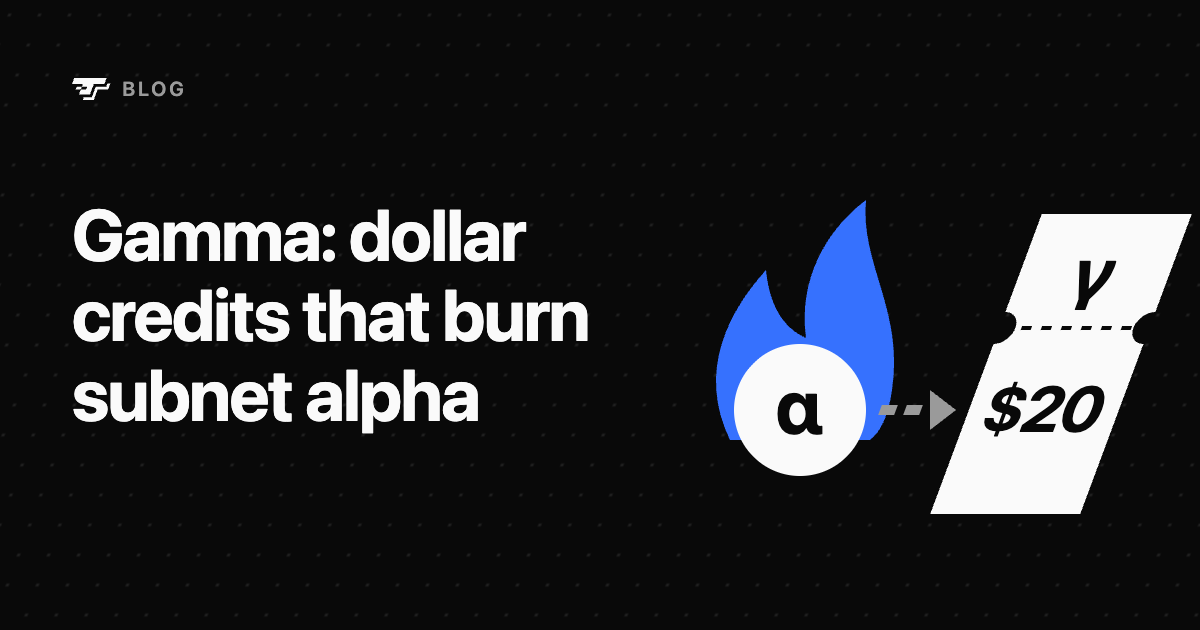
Release 487 of the Bittensor chain adds gamma, credits that a subnet can accept as payment for its service. Nobody sells gamma: you mint it by burning the subnet’s alpha, and you get one gamma for each dollar the burned alpha is worth. Customers count their usage in dollars, and each purchase of a service becomes an alpha burn.
This guide covers what gamma is, what it changes for alpha holders, how a mint is priced, and how to buy credits for a service.
What gamma is
Section titled “What gamma is”- A credit of one subnet. Gamma minted on a subnet pays for that subnet’s services only. Each service decides whether it accepts gamma, and how much it charges.
- Held in a deposit. Your coldkey owns the deposit. The deposit is keyed by a hotkey that works as an API key: you sign your requests to the service with it.
- Spent by the service. Each deposit names a spender, the account the service bills with. It charges your deposit on chain as it serves you, within a daily cap you can set, and the gamma it spends is destroyed.
- Not money. Gamma cannot be sent to another coldkey, sold, staked, or turned back into alpha, TAO or dollars.
What it changes for alpha holders
Section titled “What it changes for alpha holders”Every mint takes alpha out of circulation for good:
- A mint with TAO buys the subnet’s alpha in its pool, as a stake does, then burns it, without opening a stake position.
- A mint with stake burns alpha you already hold, with no trade.
Spending gamma pays its spender nothing, so the value of the burned alpha stays with the subnet’s alpha holders. A subnet that sells a service for gamma turns its customers’ demand into alpha burns.
Subnets can buy gamma too. A subnet owner can route up to 16 shares of the subnet’s emission, each at most 10%, into other subnets’ gamma. At each epoch the paying subnet sells that alpha for TAO, buys the target subnet’s alpha with it, burns it, and credits the gamma to the owner’s deposit on the target. A target must have gamma enabled, and Bittensor’s root authority must whitelist it for these shares.
How a mint is priced
Section titled “How a mint is priced”A mint values the burned alpha in TAO, then converts that value to dollars:
TAO value = alpha × min(gamma price, spot price)gamma = TAO value × TAO/USD price- The gamma price is a second price each subnet keeps. When the spot price falls, the gamma price falls with it at once. When spot rises, it follows slowly: the gap halves every 600 blocks, about two hours, and the gamma price at most doubles in that time. Pushing the spot price up does not mint more gamma.
- The spot price is read before the mint’s own trade. A large mint with TAO moves the pool, so its TAO buys less alpha than the spot price suggests: quote it first.
- The TAO/USD price comes from an oracle that Bittensor’s root authority appoints. The accepted price follows a lower feed at once, but rises by at most about 2% an hour. A mint needs a price fed within the last 300 blocks, about an hour, or it fails.
Buy credits for a service
Section titled “Buy credits for a service”You need btcli, which comes with the bittensor Python package from version 11.3.2, and a coldkey that holds TAO or stake on the subnet. In the commands below, my-wallet is your btcli wallet and api-key the new hotkey.
-
Find a service. This lists the services a subnet publishes, each with the address of a document that describes its endpoints and prices, and the spender that bills for it:
Terminal window btcli query services --netuid <netuid> -
Create a fresh hotkey for the API key. It needs no registration and no funds. Never use a staking hotkey or your coldkey: every request signed with it is paid from the deposit.
Terminal window btcli wallet new-hotkey --wallet my-wallet -H api-key -
Quote the mint, to see the gamma that 10 TAO would give:
Terminal window btcli query quote-mint-gamma --netuid <netuid> --amount-tao 10 -
Mint. Name the hotkey of the service, so that its spender can bill the deposit, and a daily spend cap, here 20 gamma:
Terminal window btcli gamma mint --wallet my-wallet --netuid <netuid> --hotkey api-key --amount-tao 10 --service-hotkey <service-hotkey> --daily-spend-cap-gamma 20btcli quotes the mint again and fails it if it would give more than 5% less gamma than that quote. To burn stake you hold instead, run
btcli gamma mint-with-stakewith--origin-hotkey <validator-hotkey>and--amount-alphain place of--amount-tao. -
Sign your requests to the service with the API key, as its document explains.
Manage your deposit
Section titled “Manage your deposit”btcli gamma list --wallet my-walletbtcli gamma show --wallet my-wallet --netuid <netuid> --hotkey api-keyshow gives the deposit’s balance, its spender, its daily cap and what the spender can take now.
- Daily spend cap. What the cap allows refills evenly over 7,200 blocks, about a day, up to the cap: it never resets at midnight. A cap of 0 pauses the deposit:
btcli gamma set-cap --wallet my-wallet --netuid <netuid> --hotkey api-key --daily-spend-cap-gamma 0. - Spender. Point the deposit at another service:
btcli gamma set-spender --wallet my-wallet --netuid <netuid> --hotkey api-key --service-hotkey <service-hotkey>. - Move and close.
btcli gamma movemoves gamma between your deposits on the same subnet, and a move that empties a deposit closes it. A deposit spent down to zero stays open for refills untilbtcli gamma close. - Give credits. To let someone else use your gamma, open a deposit at their hotkey. It stays yours, and you can move the gamma back at any time.
A coldkey holds at most 64 deposits per subnet.
What to keep in mind
Section titled “What to keep in mind”- Gamma has no claim. Nobody redeems it: it is worth what the subnet’s services accept it for.
- The spender is trusted. The chain enforces your balance, the spender and your cap, but not the service’s delivery. Keep a cap on the deposits you fund.
- A dissolved subnet takes its gamma with it. Dissolving or pruning a subnet destroys all of its gamma, and its holders get nothing.
- The oracle is trusted. Its accepted price can rise by at most about 61% a day, until root replaces it.
- Switches can stop mints. A mint needs gamma on network-wide, set by Bittensor’s root authority, and on the subnet, set by its owner. Turning either off stops new mints, while existing deposits can still be spent, moved and closed.
- A mint has a floor. It must give at least 0.1 gamma.
Questions
Section titled “Questions”Can I trade gamma on Taoswap?
Section titled “Can I trade gamma on Taoswap?”No. Gamma cannot change hands, so no market can list it. What trades is the subnet’s alpha, which every mint burns.
Does a mint move the alpha price?
Section titled “Does a mint move the alpha price?”A mint with TAO is a buy in the subnet’s pool, so it moves the price as a stake of the same size would, then burns the alpha it bought. A mint with stake makes no trade: it only burns.
Which subnets accept gamma?
Section titled “Which subnets accept gamma?”The subnets whose owner turned on gamma_enabled, once gamma is on network-wide. To check a subnet and the services it publishes:
btcli sudo get --netuid <netuid> --name gamma_enabledbtcli query services --netuid <netuid>What does a mint cost?
Section titled “What does a mint cost?”The TAO you spend, or the stake you burn, plus the transaction fee, and for a mint with TAO the pool’s swap fee. Add --dry-run to a mint to see them without signing.
Where can I read more?
Section titled “Where can I read more?”Bittensor’s gamma guide details every call, and the Release 487 notes present the launch.